


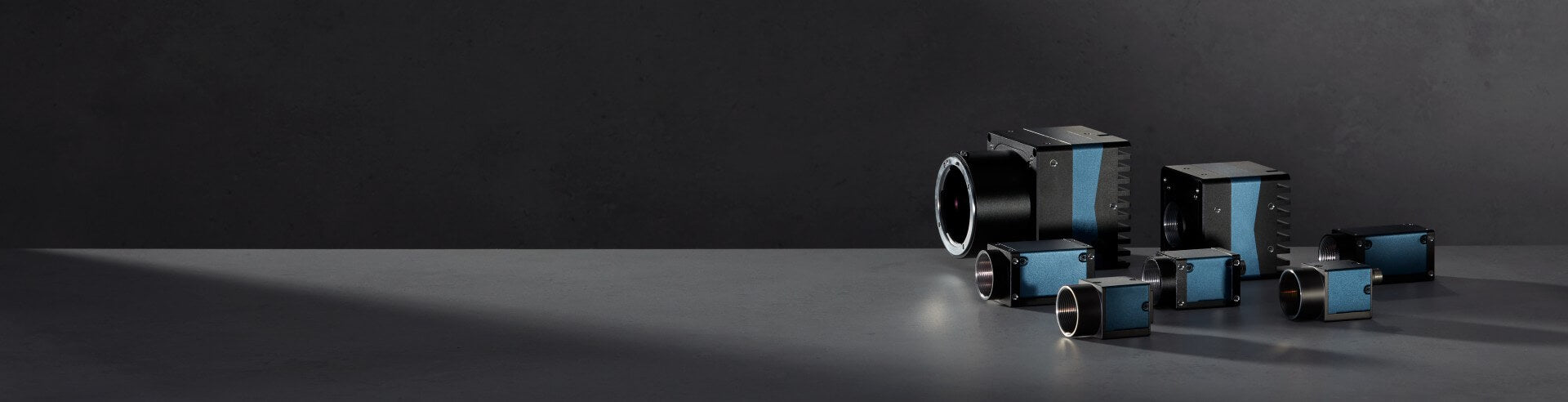


An area scan camera uses a matrix (grid) sensor to capture a full image all at once, one exposure equals one frame. That’s the opposite of line scan imaging, where the
camera captures one line at a time and the final image is “built” as the object moves.
Because area scan cameras capture a complete scene per frame, they’re often the most flexible option when:
In practical terms, area scan imaging is a timed cycle:
That workflow has three big implications:
1) Motion + exposure timing makes shutter type a primary decision
If parts move relative to the camera during exposure, the sensor readout method
determines whether your image stays geometrically accurate.
2) Resolution + frame rate sets your bandwidth requirement
Once the image resolution (megapixels) and acquisition speed (frames per second) are defined, the resulting data rate establishes a minimum bandwidth requirement for the camera interface and downstream system. In practice, the selected interface and cabling must be capable of sustaining this throughput; otherwise, they become the limiting factor for achievable performance.
3) Sensor format drives optics and light
Sensor size/pixel size affects lens selection (image circle), light sensitivity, depth
of field, and whether you’ll need more illumination or shorter exposure times.
Rule of thumb: if motion might matter, start with global shutter area scan camera. For details, see Rolling vs Global Shutter.
Your interface affects cabling, host hardware and achievable throughput.
Shortcut: long cables = GigE; compact high throughput = USB3; max performance = CoaXPress.
Define your field of view and the smallest feature you must detect or measure, then select a camera that provides enough detail across your required inspection area. If you only need part of the image, capture only the relevant region to reduce data load and enable higher speed. Reminder: higher resolution can increase processing and lens demands, so choose the minimum that works and validate with a test image.
Same megapixels can behave differently. Consider sensor/pixel size when you’re light-limited, need sharp metrology, or must match lens image circle. If you need short exposure times or high depth of field, plan for more light and confirm lens coverage.
Before final selection, check: lens mount, trigger/strobe I/O, form factor, SDK/OS support, and power/cabling (PoE, USB limits, industrial cables). Tip: if timing matters, prioritize reliable hardware triggering and build around deterministic capture.
You’ll see line scan cameras used heavily in web inspection and continuous processes, where objects or material move consistently and the system reconstructs an image line-by-line.
Choose area scan camera when:
Choose line scan camera when:
Area scan cameras are used across industrial tasks where you need a full-frame view. In most factories, if a vision task can be solved with one well-lit full-frame image, area scan is often the fastest route to a stable solution.
Label and print inspection: verification and classification
Measurement & metrology: dimensional checks (with appropriate optics and calibration)
Electronics inspection: presence/absence, solder checks, component alignment
Robot guidance: locating parts, pose estimation, pick points
Codereading:barcode and Data Matrix (DMC) decoding
Surface inspection: scratches, dents, texture anomalies, contamination
In summary, an area scan camera captures a full 2D image (one frame) per exposure, so the right choice depends on motion, throughput, optics, and integration needs. To shortlist an area scan solution quickly, use this checklist:
I am absolutely thrilled with the MER2-160-227U3M camera I purchased from VA-Imaging. The camera exceeds my expectations in every way. The image quality is sharp and clear, even with fast movements. Installation was straightforward. VA-Imaging's customer service was also outstanding. They were very helpful in answering my questions and delivered the camera quickly and securely.
The cameras are a great value for money and the lenses also. The software is outdated and needs refreshing. It took me considerable amount of time to discover how to access the camera features.
Its a pleasure to contact with the sales department. They are very polite and always ready to help. Our orders are always delivered on time and the communication is easy and simple. High quality products.
We initially explored several embedded vision camera and USB3 camera options for our application. Our main priorities were compact dimensions and keeping the required software development to a minimum. We selected a VEN-161 boardlevel camera. It was easy to integrate and USB3 Vision interface allowed our software team to get started quickly. The sales guy was very helpful with selecting the hardware for us. We are happy that we selected the USB3 board-level camera instead of a Mipi embedded vision camera as we didn't require now the additional driver development.
It was easy and quick process from ordering to receiving. One personal message from the team is making it even better. Thanks
In the commercial phase we had maximum support and delivery times were respected. The material is quite good with low and competitive costs.
Most common questions are already answered on our FAQ page. Questions about delivery times, warranty, loan, returns, longevity, manuals etc.
Image processing software captures the images from an industrial camera and performs complex image processing tasks like segmentation, detection, code and text reading.
We share our machine vision knowledge in our knowledge center. Find tutorials how to connect cameras, install software & program I/O.
Check how our customers use our industrial cameras, lenses and lighting in their application
Ask our machine vision experts! We answer rapidly and think along with your imaging project.
The download page provides access to product documentation, software, drivers, manuals and technical resources for industrial cameras and machine vision components.