How to install your industrial camera to the MVEC167 industrial camera enclosure
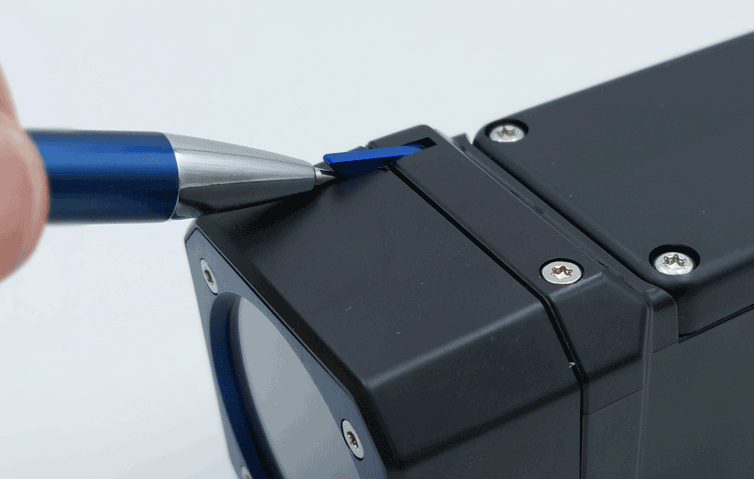
Welcome to the step-by-step instruction for installing an industrial camera to the MVec167 industrial camera enclosure. If at any moment during the...
Our Knowledge Center serves as a valuable resource for engineers and developers working with machine vision and computer vision technologies. We offer informative and technical articles to assist with your project. You can easily locate relevant content by exploring our four categories or searching specific terms in the search bar.
Welcome to the step-by-step instruction for installing an industrial camera to the MVec167 industrial camera enclosure. If at any moment during the...
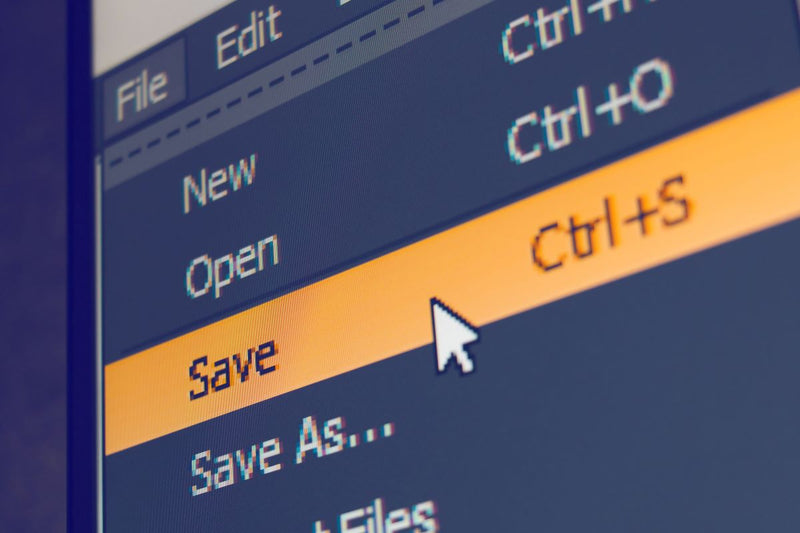
Our free Galaxy SDK for industrial cameras includes a basic plugin that allows you to easily save captured images to your hard drive or save them a...
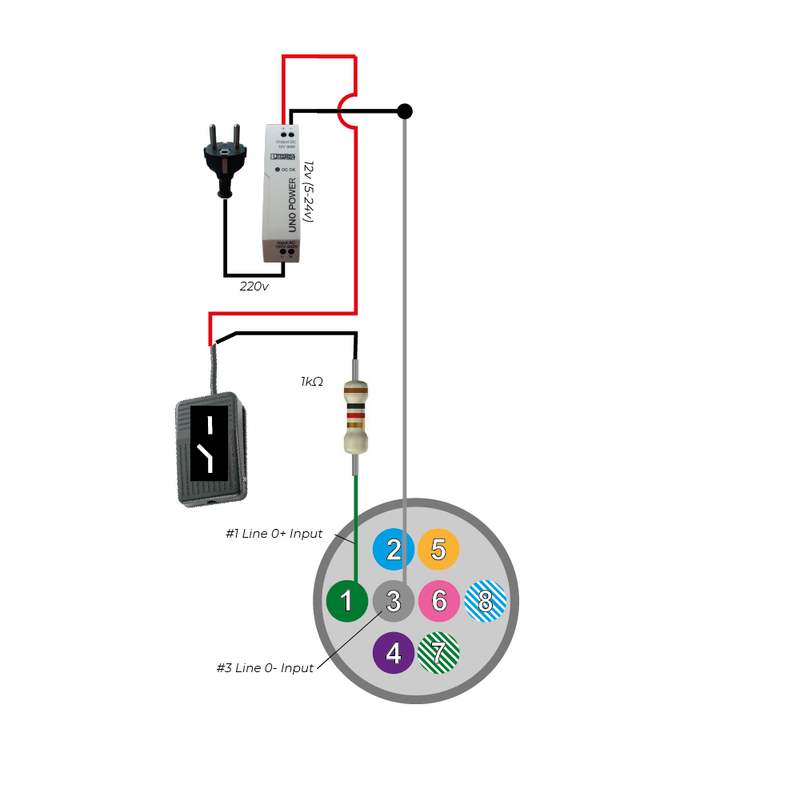
Industrial machine vision cameras are designed for precision, speed, and reliability. To maximize performance, the external triggering system must ...
To calculate the framerate of an industrial camera, a framerate calculator is available. This doc used to be available after installing the SDK. Th...
Bandwidth refers to the amount of data that can be transmitted over a specific interface—such as USB3, GigE, or 5GigE—within a given time frame. A ...
Once you have configured your camera according to your application requirements, you can store these settings directly in the camera. This ensures ...
This section provides detailed instructions from basic camera installation to compiling programming examples, ensuring optimal image acquisition for you machine vision system.
You will find detailed articles on installing and setting up various industrial cameras, including USB3 cameras and GigE cameras. It covers the use of third-party software like MicroManager, 2nd Look, and Kinovea, as well as how to install Aravis on Linux and provide sample code in Python and C# for Visual Studio.
If you are looking for guides for your machine vision system, the Camera & Vision section offers articles on optimizing camera performance, such as using C-mount lens filters, adjusting parameters like pixel binning/ decimation, exposure time and white balance.
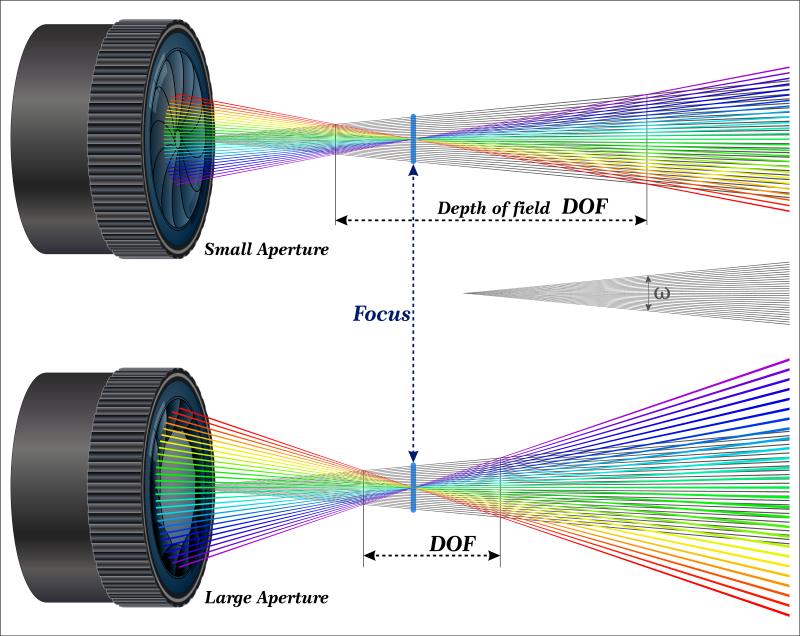
It also addresses the complexities of connecting and synchronising multiple GigE cameras. Learn more about how to use depth of field to your advantage and how to optimize camera parameters for moving object detection.
Seeking for some guidance on machine vision hardware selection? These guides provides a technical roadmap for choosing appropriate machine vision lighting, considering factors like resolution, field of view, spectral sensitivity and lens distortion.
The articles explains the differences between rolling shutter and global shutter and global shutter cameras and provides guidance on selecting the appropriate interfaces and camera specifications for applications like barcode and DMC code reading.
While not as technical, the knowledge center topic "Machine Vision Market Application Analysis" does cover the latest trends and developments in the machine vision market, including information on industry events and exhibitions where cutting-edge applications are showcased.
This knowledge base undergoes regular updates to ensure you have access to the most recent advancements in camera technology, computer vision algorithms, and best practices in machine vision system design and implementation.
With articles written by our vision technical experts, our Knowledge Center provides the right guidance in the process of building your machine vision system.
Do you want to know more about applications and solutions with machine vision? Check out our "Machine Vision Solutions & Applications" page for more information.
Explore our computer vision camera products for a full overview of our products. We offer a wide range of USB3 vision cameras, GigE cameras, 5GigE & 10GigE cameras, machine vision lenses and accessories for your vision system.