


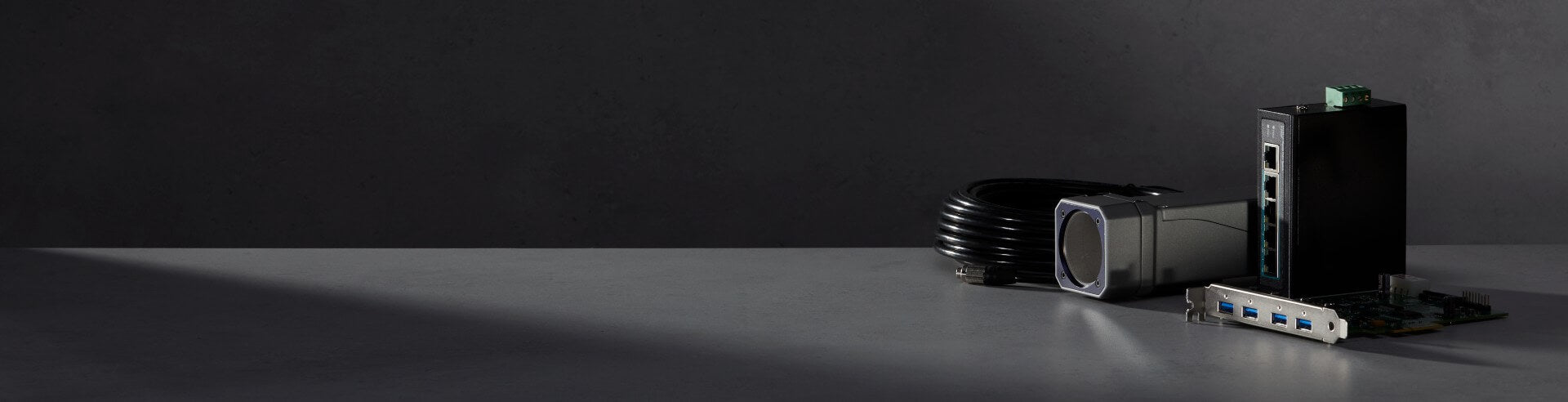
Cables for industrial cameras connect cameras with computers, network hardware, frame grabbers and external control equipment throughout a machine vision system. VA Imaging offers machine vision cables for USB3, GigE, 2.5GigE, 5GigE, 10GigE and CoaXPress cameras, together with camera I/O and USB-C connections.
For Canadian machine vision projects, cable selection should be considered together with the camera interface, required data rate, connection distance and system architecture. Matching these components from the beginning helps create a suitable connection between the industrial camera and the rest of the imaging system.
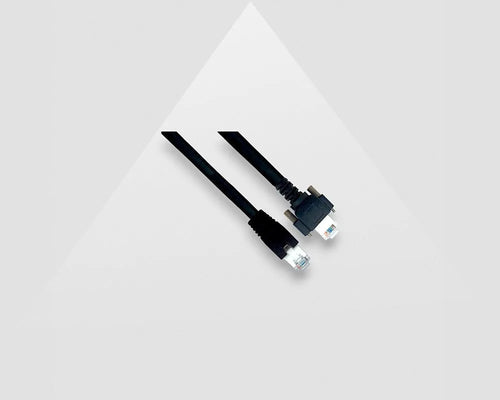
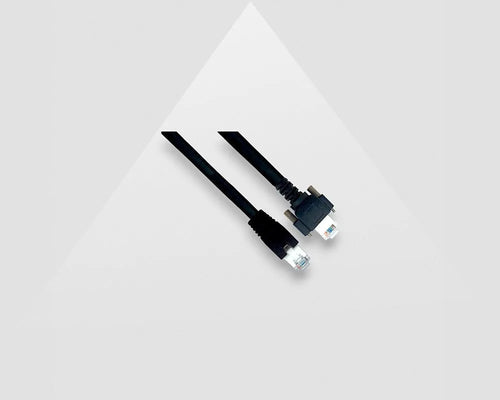
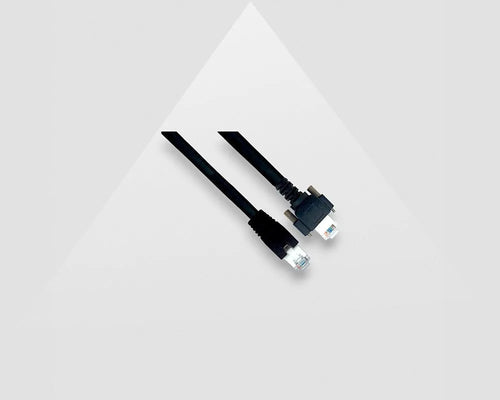
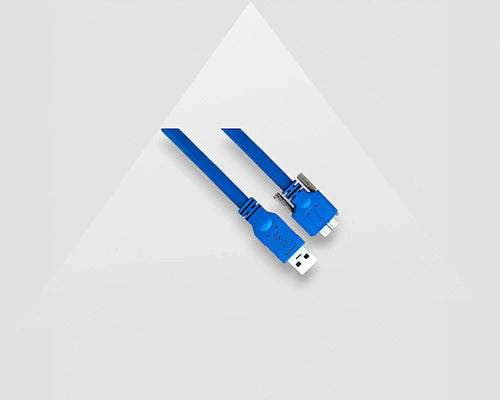

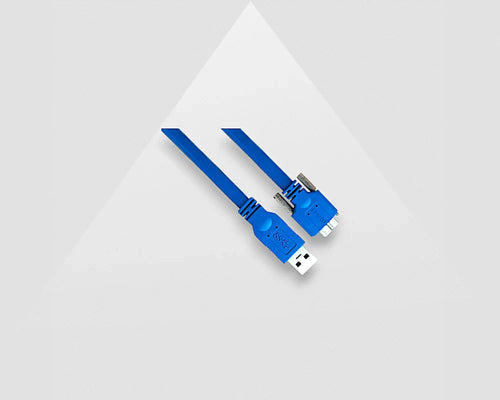
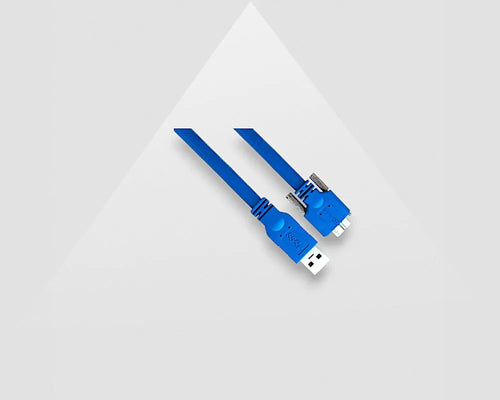
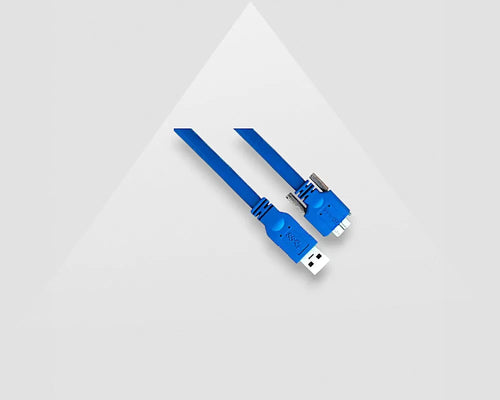
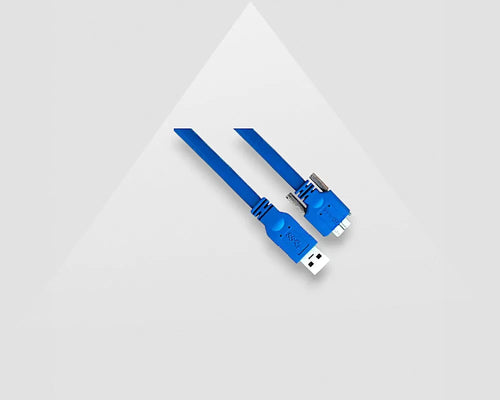

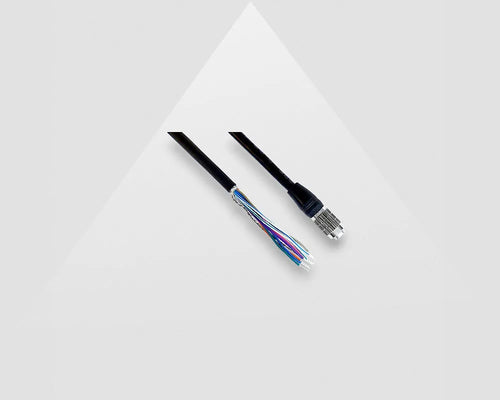
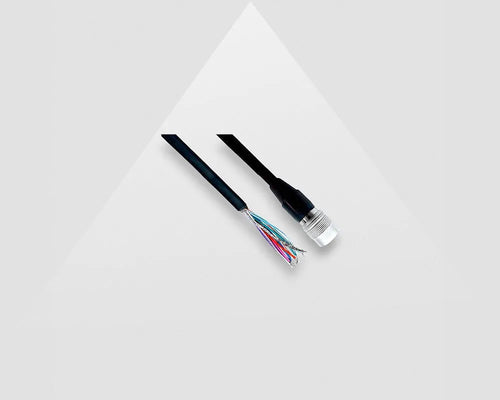
Machine vision cables carry the data and signals required to connect an industrial camera to the rest of the vision system.
Different camera interfaces have different requirements. A USB3 camera typically connects directly to a host computer, while GigE cameras communicate over Ethernet and CoaXPress cameras are paired with compatible frame grabbers.
The first step is therefore identifying how the camera communicates with the system.
| Camera interface | Cable type | System connection |
|---|---|---|
| USB3 Vision | USB3 camera cable | Camera to host computer |
| GigE / 2.5GigE | Ethernet camera cable | Camera to network interface |
| 5GigE / 10GigE | High-speed Ethernet cable | Camera to compatible network hardware |
| CoaXPress | CoaXPress cable | Camera to frame grabber |
| Camera I/O | I/O cable | Camera to external control equipment |
| USB-C | USB-C cable | Compatible camera to host connection |
The data interface of the industrial camera determines the type of cable and connectivity required by the machine vision system.
Higher camera resolutions and frame rates can generate more image data, which means the complete connection between the camera, cable and receiving hardware needs to support the required interface.
This makes cable selection part of the overall system design rather than simply an accessory decision.
GigE camera cables provide Ethernet-based connectivity for compatible industrial cameras.
VA Imaging supports camera systems using GigE, 2.5GigE, 5GigE and 10GigE interfaces. When selecting the cable, check that it is suitable for the Ethernet speed used by both the camera and the network hardware.
Ethernet-based machine vision can be useful where cameras need to be positioned further from the processing computer or where multiple devices form part of the same network architecture.
For compatible systems, Power over Ethernet can also allow power and data to be carried through the Ethernet connection, reducing the number of separate connections required at the camera.
USB3 camera cables provide a direct connection between a USB3 camera and a compatible host computer.
USB3 can be a practical choice where the camera is installed relatively close to the computer and a direct camera-to-host connection suits the machine architecture.
When choosing a USB3 machine vision cable, consider:
A locking USB3 connector can also help keep the cable securely connected to the industrial camera.
CoaXPress cables connect high-performance industrial cameras to compatible frame grabbers.
This interface is commonly used when an imaging system needs to transfer high volumes of image data between the camera and acquisition hardware.
The camera, cable and frame grabber should therefore be considered together. Check the CoaXPress interface, connector configuration and required connection length before selecting the cable.
Camera I/O cables connect industrial cameras with external control and automation equipment.
Depending on the camera model, I/O connections may support functions such as:
Connector types and pinouts can vary between camera models, so an I/O cable should always be matched to the specific industrial camera.
Cable length should be considered when planning the position of cameras, computers and network hardware within an industrial imaging system.
The appropriate distance depends on the camera interface and system configuration. Rather than selecting a cable only after the equipment has been positioned, it is useful to consider connection distances while planning the machine.
For example, a direct USB3 connection and an Ethernet-based GigE system can lead to different system layouts.
When planning cable length, consider:
Industrial camera cables are used wherever machine vision cameras need to communicate reliably with acquisition, network or control hardware.
Typical systems include:
The cable requirements can vary considerably between a single-camera inspection setup and a larger networked vision system, which is why interface, bandwidth and connection distance should be evaluated together.
Custom machine vision cables can provide an alternative when the standard cable range does not match the required system layout.
A custom configuration may be useful when:
VA Imaging can provide different cable lengths and connector configurations for machine vision applications where a standard option does not suit the installation.
Building a machine vision system with USB3, GigE, CoaXPress or multiple industrial cameras? Ask our machine vision experts for help selecting the correct cables, connectors and interface configuration for your application.
Ask our machine vision expertsI am absolutely thrilled with the MER2-160-227U3M camera I purchased from VA-Imaging. The camera exceeds my expectations in every way. The image quality is sharp and clear, even with fast movements. Installation was straightforward. VA-Imaging's customer service was also outstanding. They were very helpful in answering my questions and delivered the camera quickly and securely.
The cameras are a great value for money and the lenses also. The software is outdated and needs refreshing. It took me considerable amount of time to discover how to access the camera features.
Its a pleasure to contact with the sales department. They are very polite and always ready to help. Our orders are always delivered on time and the communication is easy and simple. High quality products.
We initially explored several embedded vision camera and USB3 camera options for our application. Our main priorities were compact dimensions and keeping the required software development to a minimum. We selected a VEN-161 boardlevel camera. It was easy to integrate and USB3 Vision interface allowed our software team to get started quickly. The sales guy was very helpful with selecting the hardware for us. We are happy that we selected the USB3 board-level camera instead of a Mipi embedded vision camera as we didn't require now the additional driver development.
It was easy and quick process from ordering to receiving. One personal message from the team is making it even better. Thanks
In the commercial phase we had maximum support and delivery times were respected. The material is quite good with low and competitive costs.
Most common questions are already answered on our FAQ page. Questions about delivery times, warranty, loan, returns, longevity, manuals etc.
Image processing software captures the images from an industrial camera and performs complex image processing tasks like segmentation, detection, code and text reading.
We share our machine vision knowledge in our knowledge center. Find tutorials how to connect cameras, install software & program I/O.
Check how our customers use our industrial cameras, lenses and lighting in their application
Ask our machine vision experts! We answer rapidly and think along with your imaging project.
The download page provides access to product documentation, software, drivers, manuals and technical resources for industrial cameras and machine vision components.