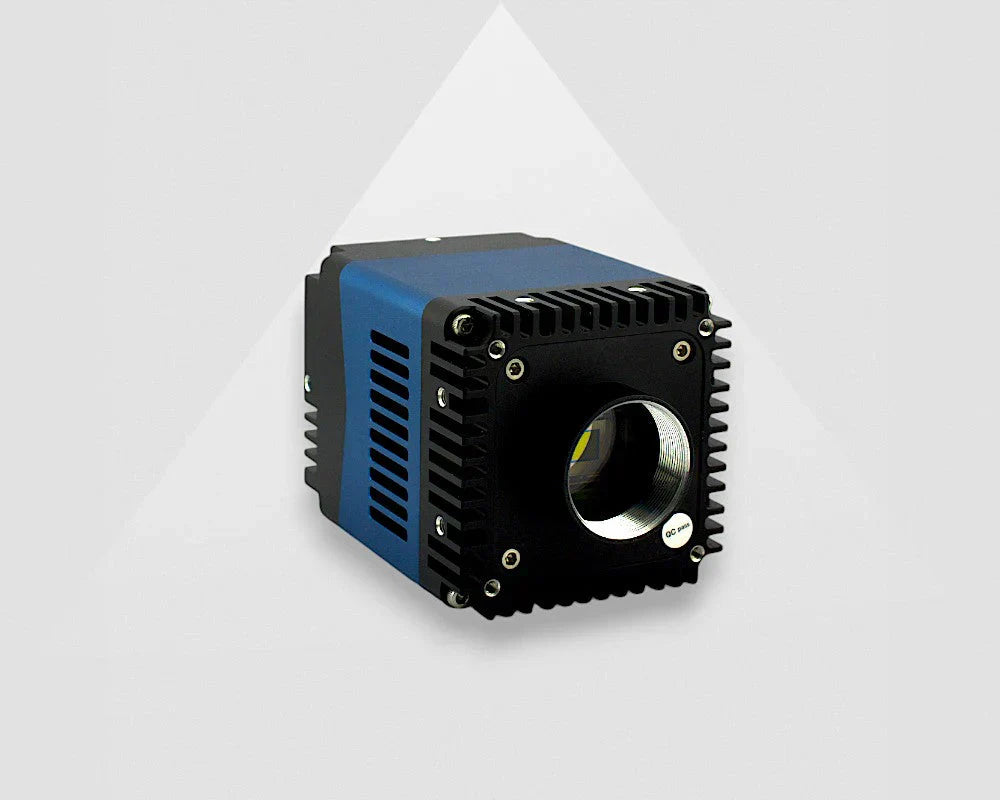


What Is a UVC Camera? USB Video Class Explained
 Gaspar van Elmbt
A UVC camera is a USB camera that follows the USB Video Class standard. In simple terms, that means the camera can communicate with the host system through a standardized USB video interface instead of relying on a fully custom driver for basic image streaming. This makes UVC cameras a practical choice for embedded vision, OEM devices, robotics, and industrial systems where fast integration matters.

FAQ's About UVC Cameras
What Does UVC Stand For?
UVC stand for USB Video Class. It is a device class defined by the USB Implements Forum for video devices connected over USB. The goal of the standard is to make USB video devices easier to recognize and use across supported operating systems.
How Does a UVC Camera Work?
An industrial UVC camera works by exposing its video capabilities in a standardized way that the host system can understand. When the camera is connected, the system can identify the device, detect supported video capabilities, and start basic image streaming using standard USB video support. On Windows, Microsoft provides a built-in UVC driver model for compliant devices. On Linux, UVC cameras are commonly handled through the uvcvideo driver. When a USB UVC camera is connected to a host system, the process is handled automatically:
- The host operating system first reads the camera’s class-specific Video Control (VC) unit and terminal descriptors.
- It then identifies the devices as UVC-compatible and links it to the native UVC class driver, so no separate driver installation is required.
- Next, the operating system or application works with the camera to determine the appropriate streaming settings, including format, resolution, and frame rate.
- Once the parameters are set, video data moves through the camera pipeline from the image sensor to the onboard ISP, then through the USB controller and into the host system for viewing, analysis, or recording.
- More advanced functions, such as HDR, ROI, and hardware trigger support, can be managed through extended UVC controls.
Find out more on how UVC Cameras work on Linux here.
Does a UVC Camera Need a Custom Driver?
A standards-compliant UVC camera usually does not need a custom host-side driver for basic operation, which is what makes it special. Microsoft states that UVC devices can work with the system-supplied driver instead of requiring vendors to provide their own driver for standard functionality. That is one of the main reasons UVC cameras are attractive in projects where integration time needs to stay low. Some advanced or vendor-specific features can still be exposed separately, but the basic plug-and-stream model is one of the key advantages of UVC.
Key Advantages of UVC Cameras
UVC cameras make it easier to build reliable vision systems with minimal setup and maximum compatibility. Here are some of the key advantages that make them a smart investment:
- No custom driver is required: Device enumeration is managed by the operating system’s native class driver, eliminating the need for any dedicated driver development.
- Cross-platform native support: A single camera can operate out of the box on Windows, Linux, and Android with no changes needed.
- Extensive video format compatibility: Supports formats such as uncompressed YUV422, MJPEG, H.364, and others, depending on the UVC specification version.
- Automatic bandwidth and format negotiation: Based on available bandwidth, the host and UVC device dynamically determine the appropriate resolution and frame rate.
- Strong ecosystem integration: Designed to work seamlessly with OpenCV, GStreamer, DirectShow, V4L2, and AI/ML inference workflows.
- Accelerated time to market: Teams can begin software development immediately by connecting the camera on day one, without waiting for driver work to be completed.
Why are UVC Cameras Attractive for Machine Vision and Embedded Projects?
UVC Cameras are attractive because they simplify camera integration. For many engineering teams, that means less effort during bring-up, fewer driver-related obstacles, and faster validation on platforms such as Windows PCs, Linux systems, and embedded devices. This is especially relevant in:
- Embedded vision systems
- OEM product development
- Robotics
- Proof-of-concept build
- Industrial monitoring devices
- Compact automation systems
What Image Formats and Controls Can a UVC Camera Expose?
A UVC camera can expose different stream formats and controls depending on the device design. Microsoft documents support both color and sensor-type cameras and describe UVC handling for formats and streams such as YUV, MJPEG, IR, and depth-related camera categories. On Linux, the UVC driver also supports vendor-specific extension units, which means manufacturers can add extra controls beyond the standard feature set.
What Is the UVC Protocol?
The UVC specification defines the rules for how USB video devices should behave. It covers device descriptors, streaming behavior, controls, and how hosts interact with compliant cameras.
For engineering teams, the UVC specification matters because it affects interoperability, feature support, and integration behavior across different systems.
You may also come across specific versions of the standard, including:
Where are UVC Cameras Commonly Used?
UVC cameras are commonly used where broad compatibility and simple USB connectivity are more important than building a fully customized camera stack from scratch. Typical examples include embedded Linux devices, NVIDIA Jetson platforms, robotic prototypes, medical devices, OEM integrations, test setups, and industrial systems that need straightforward video capture over USB.
What Should You Check Before Choosing a UVC Camera?
You should check the camera’s real integration requirements before choosing a UVC model. A UVC label helps with compatibility, but it does not relace application-level validation.
Focus on:
- Required resolution
- Frame rate
- Pixel format
- Compression method
- USB bandwidth
- Cable length
- Power requirements
- Operating system support
- Access to camera controls
- Software compatibility with your application
On Linux, the kernel documentation also notes support for vendor-specific extension units, which matters if your application depends on controls beyond the standard feature set.
VA Imaging's UVC Camera range
- VA-UVC-3MP-100U2C: Built around the Sony IMX900 1/3.1-inch sensor with 2.25μm pixels and a global shutter, this model supports up to 2048x1536 at 100fps and 1024x768 at 200fps in binning mode. It is available in C-mount / CS-mount and M12 versions, making it a practical option for motion-sensitive tasks, compact industrial integration, and embedded systems where plug-and-play UVC operation is important.
- VA-UVC-12MP-30U2C: This 12MP UVC camera uses the Sony IMX577 1/2.3-inch sensor with 1.55μm pixels and an electronic rolling shutter. It supports up to 3840x2160 at 30fps, 3840x3040 at 20fps, and 1920x1080 at 120 fps, and is available in C-mount / CS-mount, M12, and M12- autofocus variants. It can be a good fit where higher image detail is important, such as documentation imaging, laboratory devices, kiosk systems, or embedded platforms that need a compact high-resolution UVC camera.
These models also show why selection criteria matter in practice: a global shutter model is often the safter choice for moving targets, while a higher-resolution rolling shutter model can be a strong option for more static scenes where image detail is the priority.

Is a UVC Camera the same as a USB3 Vision Camera?
A UVC camera is not the same thing as a USB3 Vision camera. UVC is a USB video device class focused on broad OS-level compatibility, while USB3 Vision belongs to the machine vision ecosystem and is commonly paired with standards such as GenICam for more specialized industrial camera control and integration workflows.
Conclusion
A UVC camera is a USB camera that follows the USB Video Class standard, making it easier to integrate on mainstream operating systems and embedded platforms. For engineers and product teams, the main advantage is reduced driver complexity and faster development. If your application needs a simple, standard-based USB camera workflow, UVC is often a strong option to evaluate.
Looking for an industrial UVC camera for your project? Explore VA Imaging’s industrial UVC camera range or contact our team for help selecting the right model for your software environment, image quality requirements, and integration goals.