


Cables for industrial cameras provide the data, power and I/O connections required throughout a machine vision system. VA Imaging offers machine vision cables for USB3, GigE, 2.5GigE, 5GigE, 10GigE and CoaXPress cameras, along with USB-C and camera I/O cables.
Choose from different cable lengths, connector configurations, straight and angled connections, and screw-lock options for industrial imaging and factory automation systems. Whether you are integrating a single industrial camera or building an OEM machine vision system, selecting the right cable helps create a reliable connection between the camera and the rest of the vision setup.
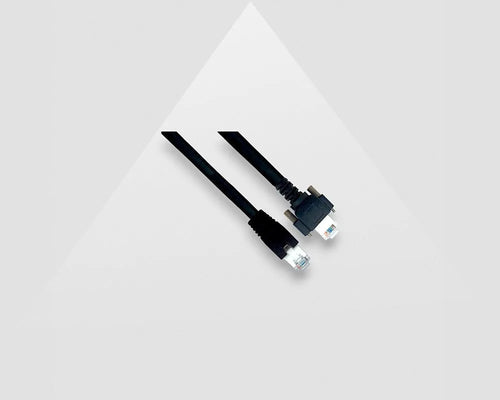
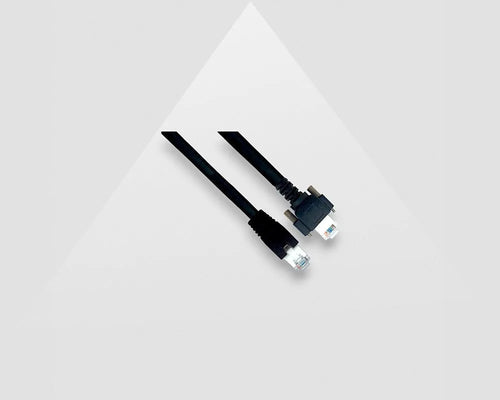
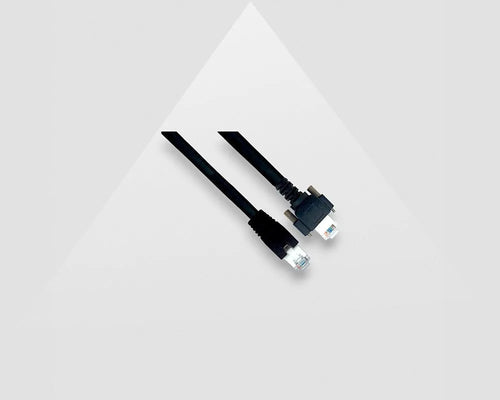
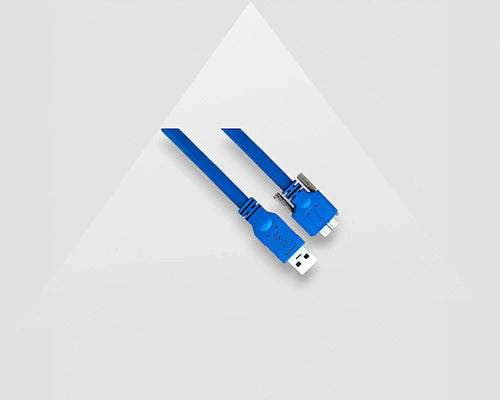

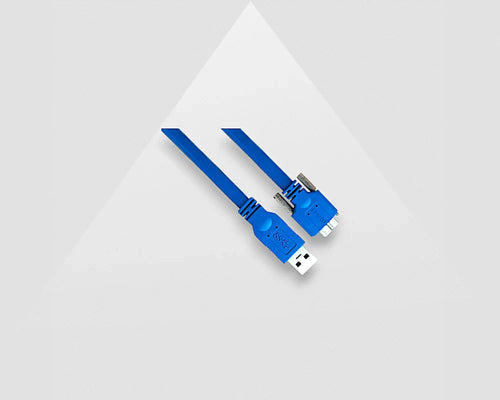
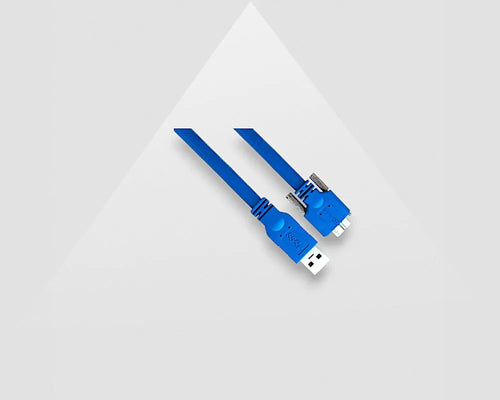
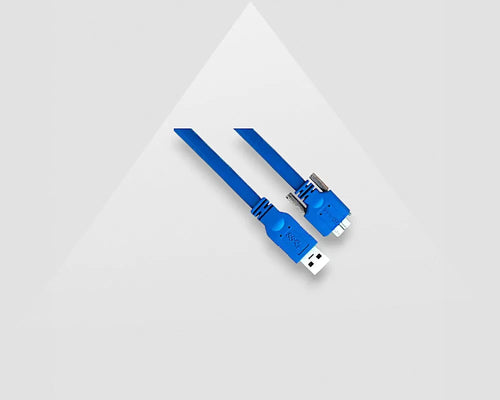

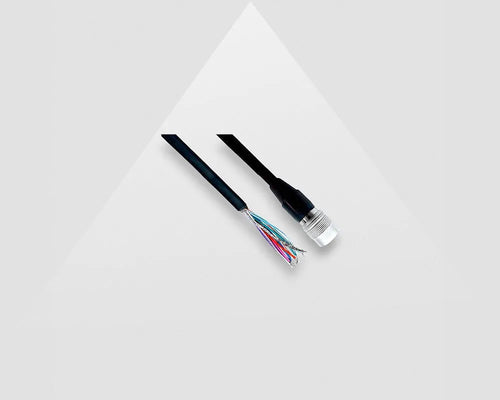
Machine vision cables connect industrial cameras to computers, frame grabbers, network hardware and external control equipment.
The correct cable depends on the camera interface, data rate, connector type, cable length and installation requirements. VA Imaging offers several cable types for machine vision and industrial imaging applications.
| Machine vision cable | Typical application |
|---|---|
| USB3 camera cables | Connecting USB3 Vision cameras to a host computer |
| GigE camera cables | GigE and 2.5GigE industrial camera systems |
| 5GigE & 10GigE cables | High-bandwidth Ethernet-based machine vision |
| CoaXPress cables | High-speed cameras connected to frame grabbers |
| Camera I/O cables | Triggering, GPIO, synchronization and power |
| USB-C cables | Compatible industrial USB camera connections |
Using the interface of the camera as the starting point makes it easier to narrow down the appropriate cable for a machine vision system.
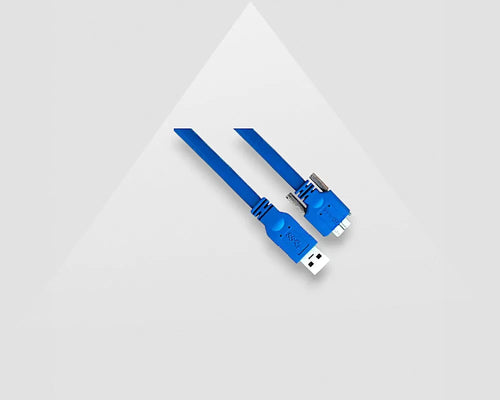
USB3 machine vision cables connect USB3 cameras directly to a host computer or compatible interface.
When choosing a USB3 camera cable, check the connector on both sides of the connection, the required cable length and whether the camera supports a locking connector.
Screw-lock connections are especially useful in industrial installations where the camera and cable need to remain securely connected. Straight and angled connectors can also make installation easier when space inside a machine is limited.
For a complete setup, pair the cable with a compatible USB3 industrial camera.
GigE camera cables connect Ethernet-based industrial cameras to network hardware such as a network interface card or switch.
VA Imaging offers cable options for GigE, 2.5GigE, 5GigE and 10GigE machine vision systems. The required cable should match the Ethernet speed of the camera and the other components in the network.
GigE-based cameras are commonly used in factory automation and industrial imaging systems where Ethernet connectivity and longer cable distances are important. Higher-speed 5GigE and 10GigE interfaces provide additional bandwidth for cameras with higher data requirements.
CoaXPress cables are used to connect high-speed industrial cameras to compatible frame grabbers.
CoaXPress is commonly used in demanding machine vision applications that require high image data rates. The correct cable configuration depends on the camera, frame grabber, connector and required cable length.
For systems using this interface, the camera, cable and frame grabber should be selected as part of the complete machine vision configuration.
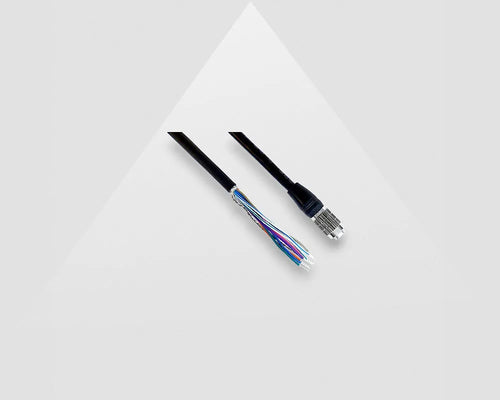
Camera I/O cables connect industrial cameras to external equipment for triggering, synchronization, control and other I/O functions.
Depending on the camera model, I/O connections can be used for:
Because connector types and pinouts differ between camera families, always select an I/O cable that is compatible with the specific industrial camera.
VA Imaging offers multiple I/O configurations for different machine vision cameras and applications.
Choosing the right machine vision cable starts with the camera interface and the requirements of the complete vision system.
Before selecting a cable, check:
For OEM equipment and factory automation, it is useful to select the industrial camera and machine vision cable together rather than treating the cable as a separate component.
Machine vision cables are used throughout automated inspection, robotics and industrial imaging systems.
Typical applications include:
In these systems, reliable communication between the industrial camera and the rest of the vision system is essential. Selecting a cable that matches the interface and system configuration helps ensure the camera can be integrated correctly into the application.
Custom machine vision cables are available when a standard cable length or connector configuration does not fit the application.
A custom configuration can be useful for OEM systems, compact machines, specific cable routing requirements or applications that require a different connector orientation.
VA Imaging can provide custom cable lengths and connector configurations for machine vision applications where the standard range does not meet the system requirements.
Building or upgrading a machine vision system? Ask our machine vision experts for help selecting the right industrial camera cable, interface, connector and cable length for your application.
Ask our machine vision expertsI am absolutely thrilled with the MER2-160-227U3M camera I purchased from VA-Imaging. The camera exceeds my expectations in every way. The image quality is sharp and clear, even with fast movements. Installation was straightforward. VA-Imaging's customer service was also outstanding. They were very helpful in answering my questions and delivered the camera quickly and securely.
The cameras are a great value for money and the lenses also. The software is outdated and needs refreshing. It took me considerable amount of time to discover how to access the camera features.
Its a pleasure to contact with the sales department. They are very polite and always ready to help. Our orders are always delivered on time and the communication is easy and simple. High quality products.
We initially explored several embedded vision camera and USB3 camera options for our application. Our main priorities were compact dimensions and keeping the required software development to a minimum. We selected a VEN-161 boardlevel camera. It was easy to integrate and USB3 Vision interface allowed our software team to get started quickly. The sales guy was very helpful with selecting the hardware for us. We are happy that we selected the USB3 board-level camera instead of a Mipi embedded vision camera as we didn't require now the additional driver development.
It was easy and quick process from ordering to receiving. One personal message from the team is making it even better. Thanks
In the commercial phase we had maximum support and delivery times were respected. The material is quite good with low and competitive costs.
Most common questions are already answered on our FAQ page. Questions about delivery times, warranty, loan, returns, longevity, manuals etc.
Image processing software captures the images from an industrial camera and performs complex image processing tasks like segmentation, detection, code and text reading.
We share our machine vision knowledge in our knowledge center. Find tutorials how to connect cameras, install software & program I/O.
Check how our customers use our industrial cameras, lenses and lighting in their application
Ask our machine vision experts! We answer rapidly and think along with your imaging project.
The download page provides access to product documentation, software, drivers, manuals and technical resources for industrial cameras and machine vision components.